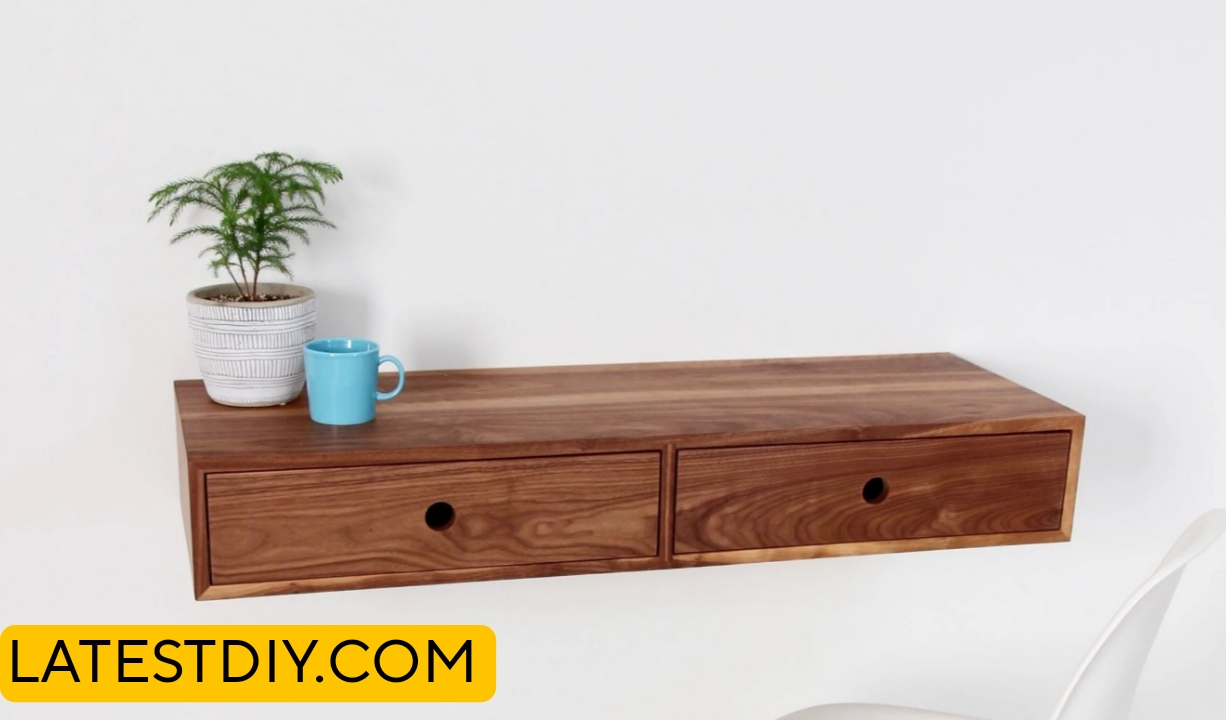
This really does change the entire feel of a workspace, because if you have ever worked on a regular desk, you already know how quickly things start to pile up, especially cables, and before you even realize it, your clean setup slowly turns into something that feels cluttered, tight, and honestly a little frustrating to use.
And if your desk is in a smaller room or even just a corner, that problem feels even worse, because now it’s not just about how it looks, it actually starts affecting how much space you feel like you have to move and work comfortably.
So let’s fix that.
Because the goal here is not just to build another desk, but to build something that actually improves your workspace in a real, noticeable way, something that makes it feel cleaner, more open, and easier to use every single day without constantly dealing with cables.
And this floating hardwood computer desk is going to do exactly that, not just by saving space, but by completely hiding all the cables in a way that actually works long term.
Why a Floating Desk Changes Everything
Working on a traditional desk can feel limiting over time, especially when you keep adding more devices, because everything sits on top, everything hangs underneath, and eventually it becomes harder to manage both visually and physically.
And the biggest issue usually isn’t the desk itself, it’s everything around it, especially cables, because no matter how well you try to organize them, they somehow always end up messy again.
But the moment you remove the legs of a desk and mount it to the wall, something interesting happens, because now the space underneath is completely open, which instantly makes the room feel bigger and easier to move around in.
And that alone already improves the experience.
But when you combine that with hidden cable management, where all the wires are routed inside the desk itself, now you’re not just saving space, you’re also removing visual clutter completely.
And that’s where this setup really starts to make a difference.
The Idea Behind This Build
Now the idea for this desk actually started pretty simple, because all I wanted was a clean setup where I didn’t have to constantly see cables hanging underneath.
But once I started thinking about how to actually hide those cables properly, I realized that this wasn’t just about adding a few clips or a tray, this needed a completely different approach.
Because if cables are still visible, even a little bit, they still create that messy feeling.
So instead of trying to manage cables better, I started thinking about how to remove them from sight completely.
Not cleaner.
Not more organized.
Just… gone.
And that shift in thinking is what led to the idea of building a desk with a hidden internal cable system.
Choosing the Right Material
Now for a floating desk, material choice becomes really important, because this desk is not going to have any legs, which means all the strength has to come from the material itself and how it is mounted to the wall.
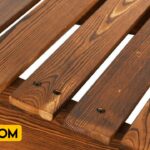
And that’s why I chose hardwood, because it gives you that combination of strength, durability, and a clean finish that improves over time.
But at the same time, I didn’t want to spend a huge amount of money on perfect slabs, so instead I went with slightly imperfect boards, which might not look great at first glance, but usually have really clean sections inside.
And the interesting part is, when you take the time to sort through those boards and pick out the best pieces, you can actually end up with really high-quality material at a much lower cost.
Preparing the Desktop
Now preparing the boards is one of those steps that seems simple at first, but ends up taking a lot more time than expected, because every single piece needs to be flat, straight, and properly aligned.
And the reason this matters so much is because when you glue multiple boards together, even a small imperfection can turn into a visible problem later on.
So I spent a good amount of time here just making sure everything was right, running boards through the planer, jointing edges, checking alignment, and repeating that process until everything fit together the way it should.
Because with a floating desk, there is nowhere to hide mistakes, everything is visible, so this step really sets the foundation for the entire build.
Building the Hidden Cable System
Now this is where things start to get interesting, because the main feature of this desk is not just that it floats, but that it hides all the cables inside.
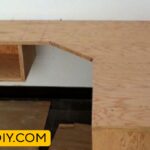
So instead of attaching anything underneath the desk, I created a hollow section within the desk itself, which acts as a channel for all the wiring.
And this channel needs to be large enough to hold power strips, adapters, and extra cable length, but at the same time, it cannot weaken the structure of the desk.
So this becomes a balance between removing enough material to create space, but not so much that the desk loses strength.
And that requires slow and careful work, because once you remove material, there is no going back.
The Mounting Challenge
Now one of the biggest challenges with a floating desk is the mounting system, because everything depends on how well it is attached to the wall.
And if this part is not done correctly, the desk will never feel stable, no matter how strong the material is.
So I made sure to locate the wall studs properly and used heavy-duty lag screws to secure the desk into them.
Because drywall alone is not going to support this kind of weight, especially when you start adding monitors and other equipment.
And I also added a hidden support frame underneath the desk, which helps distribute the load evenly and makes the entire setup feel solid.
Mistake and Adjustment
At this point, everything seemed to be going smoothly, and that’s usually when something goes wrong.
I measured everything, installed the supports, and then realized that the alignment was slightly off.
And even a small misalignment becomes very noticeable in a floating setup, because there is nothing else visually balancing it.
So instead of trying to force it to work, I took everything down and redid the measurements, because sometimes starting over is actually the faster and better option.
Final Installation
Now comes the moment where everything comes together, because once the desk is mounted, there is no easy way to make major changes.
So I carefully lifted the desk, positioned it onto the supports, and slowly let go to see if everything held.
And when it did, and it felt completely solid with no movement, that’s when you know the structure is right.
Because a floating desk should not feel like it’s floating, it should feel just as stable as a traditional desk.
Cable Management Setup
Now the most satisfying part of this entire build is running the cables, because this is where all the planning actually pays off.
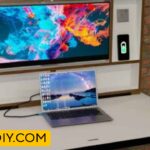
Instead of seeing cables underneath, everything goes inside the hidden channel, completely out of sight.
The power strip sits inside.
Extra cable length is tucked away.
Everything is routed cleanly.
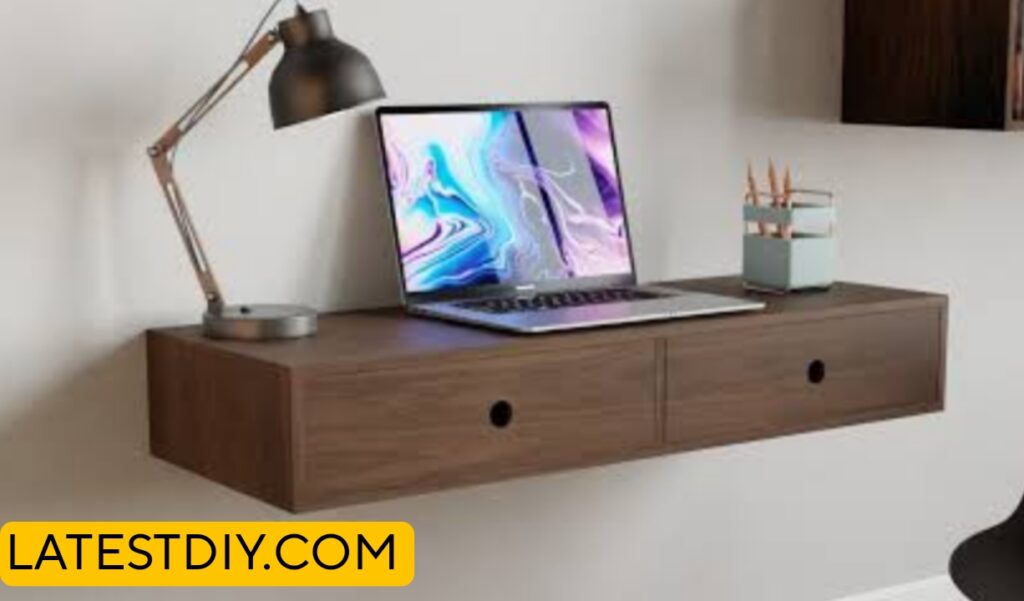
And from the outside, you don’t see anything at all, which creates that clean and minimal look that was the goal from the beginning.
Sanding and Finishing
Now before calling it complete, the surface needs to be finished properly, because this is something you are going to use every day.
So I spent time sanding everything smooth, going through different grits to make sure the surface feels good to the touch.
And then I applied a protective finish, which not only protects the wood but also enhances the grain, making the desk look even better.
Benefits
This desk saves floor space and makes the room feel more open.
It completely removes visible cables, which improves the overall look.
It provides a strong and stable work surface when mounted correctly.
It creates a clean and minimal setup that is easier to maintain.
It also allows easy access to cables when needed through the hidden system.
Drawbacks
It requires precise measurements, especially for wall mounting.
It can be time-consuming to build properly.
Mistakes are more visible since there are no legs or covers.
The internal cable system requires careful planning to avoid weakening the structure.
Frequently Asked Questions
What type of wood is best for a floating desk like this
Hardwood is the best option because it provides the strength and durability needed for a wall-mounted setup, especially when the desk has no legs and needs to support weight over time.
Is a floating desk strong enough for daily use
Yes, it can be very strong if it is properly mounted into wall studs and built using solid materials, because the strength comes from both the structure of the desk and how well it is secured to the wall.
How are cables hidden inside the desk
Cables are routed through a hollow internal channel built inside the desk, which allows everything to stay out of sight while still being organized and functional.
Can you access the cables easily later
Yes, the design includes an accessible section so you can reach cables when needed without having to remove the entire desk or make things complicated.
Do you need expensive tools to build this
No, most of the work can be done using basic tools like a saw, drill, and sander, although tools like a router can help make certain steps easier and cleaner.
What is the biggest mistake to avoid
The biggest mistake is inaccurate measurement, especially during mounting, because even small errors can cause alignment issues that are very noticeable in a floating design.
How much weight can this desk hold
If built with hardwood and mounted correctly into studs, it can easily support normal desk setups including monitors, laptops, and accessories without any issues.
Is it better than a regular desk
For smaller spaces and cleaner setups, it offers a big advantage because it saves space and removes visual clutter, making the workspace feel more open.
How long does it take to build
It usually takes a few days depending on preparation, assembly, and finishing, because a lot of time goes into making sure everything is accurate.
Can beginners build this
Yes, beginners can build it, but it requires patience and careful planning, especially when it comes to measurements and mounting.
Conclusion
If your workspace feels cluttered, especially because of cables, then the issue might not be organization, it might be visibility.
Because as long as cables are visible, they will always look messy, no matter how well you arrange them.
But when you remove them from sight completely, everything feels cleaner, simpler, and easier to use.
And that is exactly what this floating hardwood computer desk is designed to do.

I’m Shubham, a professional carpenter with 11 years of experience in the craft. I specialize in turning high-quality wood into custom furniture, durable cabinetry, and precise structural work. For me, woodworking isn’t just a job—it’s about building things that last a lifetime